
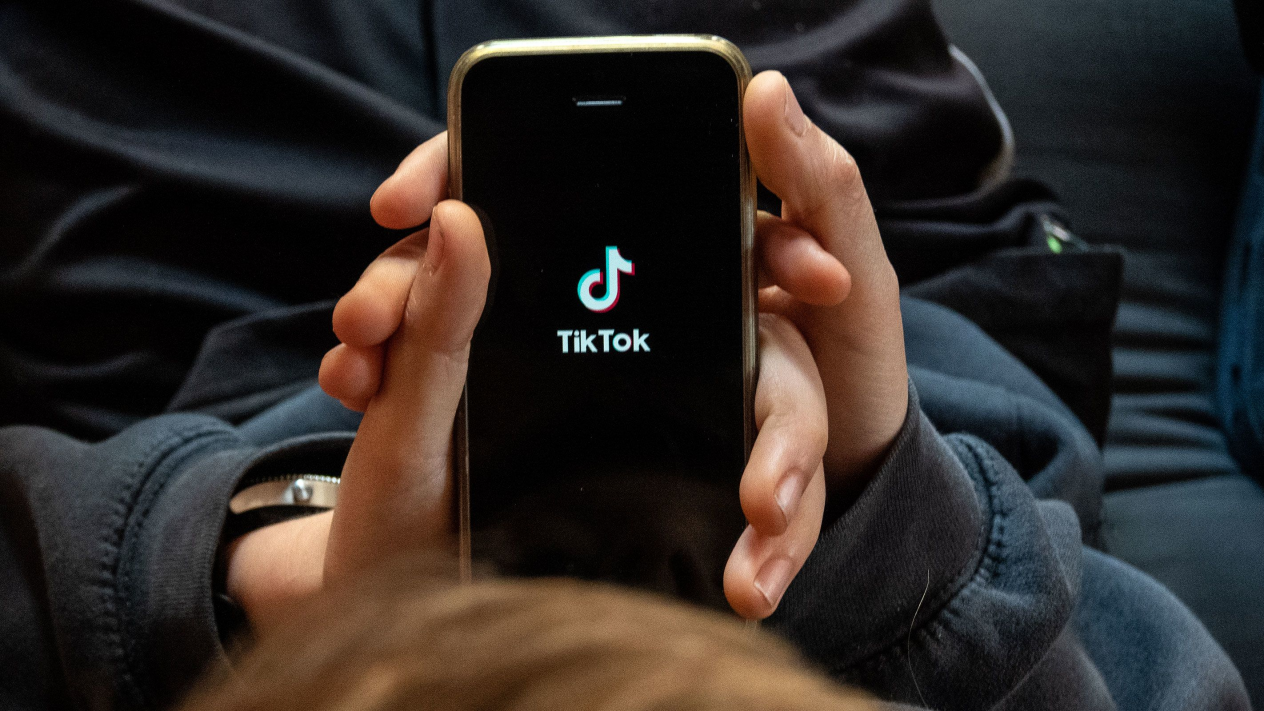
In recent years, many people have wanted to share creativity, gain followers, and even monetize through Tuke. However, since Tuke is the international version of Douyin and requires access to the external internet, many people get stuck at the simplest yet most difficult step: how to register a Tuke account.
For this reason, we have prepared“A Comprehensive Guide: The Most Complete & Powerful Tuke Knowledge and Practical Library on the Internet”, aiming to help factories, foreign trade enterprises, manufacturers, and others make the leap from Tuke beginner to entry-level!
More practical content on account operation, product selection, and store opening will be shared later to help you solve issues such as B2B/B2C foreign trade inquiries and cross-border business traffic.
Alright, let's get straight to the practical tips!

I. Tuke Android/iOS Download, Installation, and Configuration
1. Phone Preparation
It is recommended to use an iPhone:
You only need 1-2 second-hand iPhone 8+64G+not jailbroken devices, which cost around 800 RMB at second-hand stores. If budget allows, consider buying an iPhone 8P-16G, with second-hand prices ranging from 800-1000 RMB per unit; both US and European versions are fine.
2. iPhone Settings
(1) Remove SIM Card
Remove the SIM card from your phone. If you have an overseas SIM card, you can skip this step. This helps prevent your internet environment from being detected as domestic. If using an overseas SIM card, make sure it matches the region you want to target.
For example, if you want to target the US market, you need to use a US carrier's SIM card. If you accidentally use a UK SIM card, your traffic will be routed through the UK.
(2) Restore Factory Settings
Restore factory settings on the second-hand phone you bought, erasing all content and settings. Do not retain any SIM card information, documents, or software residue, as these can easily be flagged by Tuke as an unsafe internet environment.
Operation path: Settings - General - Reset - Erase All Content and Settings

(3) Reactivate the Phone
This step will not be detailed here; please activate the phone yourself.
(4) Set Up Node
If using an overseas SIM card, you can skip this step. Otherwise, you need to obtain access to the external internet through official channels.
(5) Basic Settings
Set time zone, location, ads, language, etc. as needed, then you can start downloading the Tuke installation package.
You can choose to download the installation package from the Apple Store or via Google Chrome.

II. How to Register Tuke
(1) When you open Tuke, the registration interface will pop up, showing options to register via phone number, email, Google account, or other third-party platforms. It is recommended to register using email and not through third-party platforms.
(2) When entering your birthday during registration, make sure your age is over 18.
(3) Depending on your registration method, choose Phone or Email to receive the verification code.
Note: Be cautious when registering Tuke with a new Gmail or other email account. Try to use an account you control, as there may be issues with not receiving the verification code after registering a new account.

III. Account Operation, Product Selection, Store Opening
After downloading and registering your Tuke account, you can start operating your account and posting videos. In the initial stage, you will go through an account nurturing process. If you want to gain more followers and traffic, make sure to do the following:
Define Account Positioning:Choose a field you are interested in and create content around it.
Publish High-Quality Content:Your videos should be original, interesting, and valuable to attract viewers.
Engage Actively:Follow other users, like and comment, participate in challenges to increase account activity.
If you want to monetize through Tuke, consider opening a store to sell your products or services.
When selecting products, consider the following factors:
Does the product comply with platform rules:Make sure your products or services do not violate Tuke's regulations.
Is there market demand for the product:Choose products with a broad audience and high demand.
Is the product competitive:Ensure your product has advantages in price, quality, etc.

If you are a B2B enterprise and want to use Tuke to go global and get more order inquiries, you can take this “Most Complete & Powerful Tuke Knowledge and Practical Library on the Internet,” which contains the latest official Tuke rules and tips (US, Southeast Asia, Europe, etc.). It can help you quickly master various Tuke operation skills, solve B2B foreign trade inquiries, cross-border business traffic, and build a successful account.
Plus, it is updated and available for learning 365 days a year, packed with practical tips!
The document link is below, feel free to take it if you need it~
https://ho3fx8mq91.feishu.cn/docx/HANVdZJipoFv3gxkd1qcofPWnTd
What this signal means for growth teams
This market signal should be treated as an operating prompt, not a standalone trend. The brand question is whether the team can connect TikTok content, creators, paid media, commerce readiness, and reporting into one measurable growth cycle.
Commercial read
- Market signal: TikTok marketing tips - short video marketing methods
- Published: March 5, 2024
- Commercial lens: TikTok Ads, creators, TikTok Shop, live commerce, and reporting.
- Source transparency: the original source linked in this article
What brands should do next
- Identify the market, audience, product group, and KPI this signal could affect.
- Turn the insight into a small TikTok creative, creator, Shop, or paid media test before scaling spend.
- Add FAQ, offer clarity, product proof, and contact paths so traffic can convert instead of only reading.
- Review weekly performance across reach, click quality, Shop actions, creator output, and revenue impact.
Tuke Marketing helps brands connect TikTok Ads, creator partnerships, TikTok Shop operations, live commerce, and reporting into one accountable operating system.
What should brands do with this TikTok signal?
Brands should translate the signal into a focused operating test across creative, creators, TikTok Shop readiness, paid media, and reporting before increasing budget.
How does Tuke Marketing evaluate this kind of news?
Tuke Marketing reviews platform news through market timing, category demand, creator supply, commerce readiness, and measurable growth actions.
When should a team contact Tuke about this topic?
A team should contact Tuke when it needs to turn a TikTok market signal into a practical launch, creator, advertising, live commerce, or reporting plan.
Source transparency: Tuke cites the original source linked in this article and adds its own operating analysis for brands evaluating TikTok growth decisions.